

Make Smart Home Devices Work Together: A 2026 Guide
Table of Contents
- Start with a Compatibility Audit Before You Buy Anything
- Why Make Smart Home Devices Work Together? The Real Payoff
- Choose a Smart Home Hub for Multiple Brands
- How to Connect Smart Home Devices to Alexa
- Matter-Compatible Smart Home Devices: The New Standard
- Set Up Smart Home Automation Routines That Actually Run
- Troubleshoot When Devices Drop Off or Stop Responding
- Conclusion: Your Next Steps to a Connected Home
- Frequently Asked Questions
Last Updated: October 9, 2026
Start with a Compatibility Audit Before You Buy Anything
The fastest way to make smart home devices work together is to check compatibility before checkout, not after. Shoppers often buy a smart bulb here, a camera there, then wonder why nothing talks to anything else.
A compatibility audit takes about ten minutes. It saves hours of frustration later.
Here is what to check:
- Protocol: Does the device use Wi-Fi, Zigbee, Z-Wave, Thread, or Bluetooth?
- Hub requirement: Does it need a central hub, or does it connect straight to your router?
- App support: Which mobile app controls it, and does that app work with your other devices?
Write these five answers down for every device you own or plan to buy. The pattern that emerges tells you which integration path to take.
That audit is your foundation. Everything below builds on it.
Why Make Smart Home Devices Work Together? The Real Payoff
Interoperability is the ability of devices from different brands to communicate and share control through one system.
The payoff shows up in three ways:
- One app instead of many. A central hub or platform pulls every device into a single dashboard.
- Automation that actually triggers. A door sensor can turn on lights and start a camera recording at the same time.
- Voice control that covers everything. One command reaches devices that were never designed to talk to each other.
Without interoperability, you get islands. Each device works alone. Each one needs its own app. Each one ignores the others.
The Connectivity Standards Alliance overview of Matter explains why the industry moved toward a shared standard in the first place. The goal was simple: end the app overload.
Choose a Smart Home Hub for Multiple Brands
A smart home hub for multiple brands is a device that speaks several protocols at once and presents every connected device through one interface.
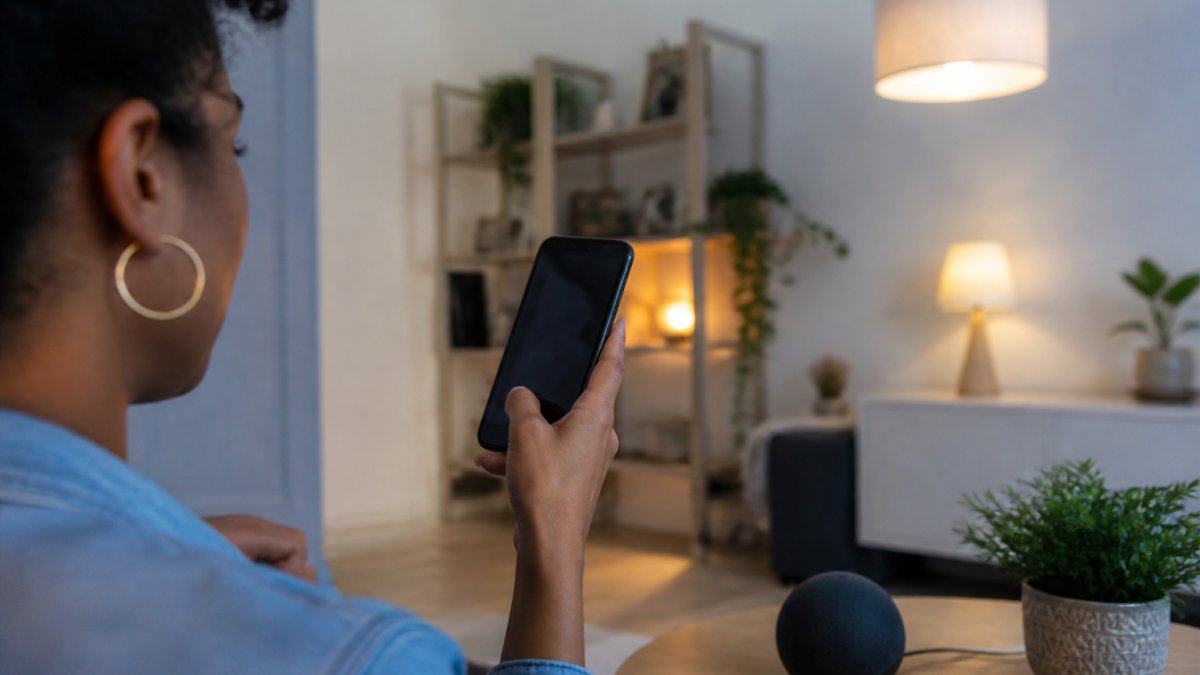
Hubs fall into three rough groups, and each one carries a different trade-off:
- Protocol hubs: Handle Zigbee, Z-Wave, and Thread devices that Wi-Fi alone cannot reach. They build a mesh network where every powered device extends the signal, so a sensor in a far bedroom still reports reliably. The catch: they add a second app and a second pairing step, and the mesh only works as well as its weakest node.
- Platform hubs: Built around one ecosystem, such as a smart speaker with a built-in hub radio. They are the easiest starting point because voice control and the hub live in the same box. The catch: they tie your routines to that ecosystem's app, and switching later means rebuilding automations by hand.
- Software hubs: Run on a small computer or an existing device and tie everything together locally. They keep commands on your network instead of routing through a cloud server, which cuts latency and keeps routines running when the internet drops. The catch: they demand more setup time and a basic comfort with network settings.
Most young professionals in a first apartment do fine with a platform hub. It doubles as a smart speaker, so it earns its shelf space.
Match the hub to your protocol mix
Before you buy, count your devices by protocol. A home that is almost entirely Wi-Fi and Matter needs very little hub hardware. A home with Zigbee sensors, Z-Wave locks, and Thread bulbs needs a hub that speaks all three, or a set of bridges that each handle one radio. Buying a hub that covers only half your devices leaves you running two apps again, the exact problem you set out to solve.
Avoid vendor lock-in before it starts
Vendor lock-in is the quiet cost of a hub decision. It shows up when you change hubs, apps, routers, or ecosystems and discover that your automations do not travel with you. A few habits keep that cost low:
- Keep a written inventory. Record each device's brand, model, protocol, and the app that controls it. When you migrate, you will know exactly what needs re-pairing and what can move untouched.
- Favor Matter-certified devices. A Matter device carries its own compatibility, so it can be shared with a new ecosystem through a pairing code instead of being rebuilt from scratch.
- Prefer local control where it is offered. Routines that run on a hub or a local controller survive a cloud outage and are easier to move than cloud-only automations.
A hub is not a permanent commitment, but it is a commitment to a workflow. Choose the one whose trade-offs you can live with, and keep the exit path open.
The one drawback of platform hubs: they tie you to that ecosystem's app. If you switch later, some routines will need rebuilding. That is the trade-off to weigh.
How to Connect Smart Home Devices to Alexa
Connecting smart home devices to Alexa takes four steps, and the order matters. Do them out of sequence and you will be re-pairing devices you already set up.
- Install the device's own app first. Pair the device there and confirm it works.
- Update the device firmware. Open the app's settings and install any pending update.
- Enable the skill in Alexa. Search the brand name in the Alexa app, then link your account.
- Run discovery. Say "Alexa, discover devices," or tap Add Device in the app.
Give discovery a minute. Devices sometimes appear in batches rather than all at once.
Then rename everything. "First Light" and "Bedroom Lamp" beat "Device 004" every time, especially when you start building routines.
If a device refuses to appear, unlink the skill and link it again. That clears stale account tokens, which is the usual culprit.
Matter-Compatible Smart Home Devices: The New Standard
Matter-compatible smart home devices are built to a shared standard that lets them work across platforms without brand-specific workarounds.
That is the big shift. Before Matter, cross-platform control meant enabling skills and hoping for the best. Now the device itself carries the compatibility.
What Matter changes in practice:
- One device, multiple platforms, no duplicate pairing
- Local control as the default path, so commands respond faster
- A single pairing code you can share with a second ecosystem
What it does not change: older devices stay on their original protocols. Check the official Matter specification details before assuming a device qualifies.
Our advice: buy Matter-certified when the option exists.
Set Up Smart Home Automation Routines That Actually Run
Smart home automation routines are rule-based actions that run when a trigger fires.
Build routines in this order:
- Start with one trigger and one action. Motion sensor turns on a hallway light.
- Add a condition. Only run between sunset and sunrise.
- Add a delay. Turn the light off after five minutes of no motion.
- Test it for a week before adding more.
Most failed routines are overloaded. Ten actions in one routine makes debugging impossible. One trigger, one action, tested, then expanded.
Scenes handle the rest. A "Movie Night" scene dims the smart lights and pauses notifications. A "Leaving" scene locks up and drops the thermostat. Scenes run on demand; routines run on their own.
Troubleshoot When Devices Drop Off or Stop Responding
Devices drop off for predictable reasons, and the fix usually follows the cause. Work through this list before you replace anything.
| Symptom | Likely Cause | Fix |
|---|---|---|
| Device shows offline in app | Wi-Fi signal too weak | Move router or add a mesh node |
| Works in app, not by voice | Skill token expired | Unlink and relink the skill |
| Slow or delayed response | Cloud round-trip latency | Switch to local control if supported |
| Drops every few days | Firmware bug or IP conflict | Update firmware, set a static IP |
| Pairs but never responds | Wrong protocol or missing hub | Add the required hub radio |
| Device appears twice in one app | Duplicate integration | Remove one copy and re-pair once |
| Automation fires late or not at all | Trigger too narrow or cloud delay | Widen the condition, move to local control |
| Works for one person, not another | Shared account or permission gap | Re-invite with the correct role |
Start with the network. A router buried in a closet cannot cover a whole apartment, let alone a house.
Then check firmware. Manufacturers push fixes for connection bugs regularly, and devices that ignore updates fall behind.
Finally, check your hub's device status page.
Duplicate integrations
A device that appears twice in one app is usually the result of enabling two integrations for the same brand, for example, a skill and a Matter pairing, or two accounts linked to the same hub. The duplicate copies fight over the device, and commands land inconsistently. Remove one copy, then re-pair the device once through the path you intend to keep.
Delayed or missed automations
An automation that fires late is almost always waiting on a cloud round-trip. The trigger leaves your home, reaches a server, and comes back as a command. When the connection is slow, the light turns on after you have already walked past it. Moving the routine to a hub or a local controller removes that round-trip and makes the timing predictable.
Firmware mismatches
Firmware mismatches are the interoperability failure that looks like a hardware problem. A hub updates its radio stack, an older device does not, and the two stop agreeing on how to talk. The device may still show as online while ignoring every command. Update the device firmware first, then the hub, and re-pair if the mismatch persists.
What still works during an outage
Outage behavior is worth testing before you need it. When the internet drops, cloud-only devices go dark, but local routines on a hub or a local controller keep running. When power drops, battery-backed sensors and locks keep reporting, but powered hubs and routers stop.
For broader guidance on connected device security, the Federal Trade Commission guidance on smart devices is worth reading before you add cameras or door locks to your network.
Conclusion: Your Next Steps to a Connected Home
Getting every device on one system is a project, not a purchase. Start with the compatibility audit. Add a hub if your devices span multiple protocols. Build routines one at a time and test them.
That is where Brilliant In Everyway comes in. We stock household electronics, and our team helps you match devices to your setup before you buy.
Frequently Asked Questions
Can I merge my Google Home and Nest devices?
Yes. Google Home and Nest devices share the same ecosystem, so they work together natively. Add both to the Google Home app. Nest cameras, thermostats, and doorbells appear alongside other Google-compatible smart home devices. You can control them with voice commands through a smart speaker or set up automation routines that trigger across both brands.
Is there an app to control all smart home devices?
A single app can control devices from multiple brands if they share a platform like Alexa, Google Home, or Apple Home. You add each device to that central app, and it becomes your dashboard. Matter-compatible smart home devices make this easier because they support cross-platform control. Check the device listing for the platforms it supports before buying.
Do smart home devices need to use the same protocol to work together?
Not necessarily. A smart home hub for multiple brands can translate between protocols like Zigbee, Z-Wave, and Wi-Fi. Matter-compatible smart home devices also bridge ecosystems by using a common language. The hub handles the translation, so you can mix devices that use different protocols as long as your hub or platform supports them.
What are the downsides of using a smart home hub?
A hub adds one more device to manage and power. If it goes offline, connected devices may stop responding to app or voice commands. Some hubs also limit which brands or protocols they support. Before buying, check that the hub works with your existing devices and has a clear path for firmware updates.
The hardest part of a connected home is not the technology. It is knowing which pieces fit together before you spend money. Brilliant In Everyway carries household electronics chosen for cross-brand compatibility, with clear protocol details on every product page and a support team that helps you plan your setup before checkout. Get started with Brilliant In Everyway and build a home where every device actually talks to the rest.